
The best AI landing page builders for affiliate marketing are the ones whose AI does a job your page needs done.
Most builders advertise the same four AI features, and only some of them matter on a page that sends visitors to someone else’s checkout.
This article judges those four features one at a time: copy drafts, layout suggestions, split testing and personalization.
Each section ends with a plain verdict on whether to keep the feature or ignore it.
It names no specific products.
Builders change their features and pricing often, so a ranking would be out of date quickly.
The judgments below hold for any builder, and you can apply them to whichever one you are considering.
What an affiliate landing page needs that a product page does not
A merchant’s product page exists to complete a sale. Your page exists to get the visitor to the merchant’s page in the right frame of mind.
That changes what a good page looks like. The visitor has to trust you, understand the offer well enough to want it, and click through.
They never enter a payment detail on your page.
Three things follow from this.
- Your credibility is the product. A presell or review page works only if the reader believes you have a view of your own. Generic copy damages that more than weak design does.
- The merchant controls everything after the click. You cannot change their checkout, their price or their follow-up emails. Your measurable job ends at the click to the merchant, so click-through rate is the number that matters.
- You carry obligations the merchant does not. You have to disclose the affiliate relationship, keep your links working with their tracking intact, and follow each program’s rules about how you describe the offer.
Judge any AI feature by whether it helps with those three things.
A feature built for a store owner selling their own product may be irrelevant to you.
The four jobs AI claims to do on a landing page
Almost every AI landing page builder sells some mix of these:
- Drafting copy: headlines, bullets, body text and calls to action generated from a prompt or a product URL.
- Suggesting layout: arranging sections, picking images and proposing a design from a short description.
- Running variant tests: creating versions of the page and shifting traffic toward the one that performs better.
- Personalizing: changing what a visitor sees based on their source, location or behavior.
These are four different jobs with four different requirements.
Copy drafting needs your voice.
Layout needs design sense and speed.
Testing needs traffic.
Personalization needs data about the visitor.
A builder can be strong at one and weak at another, so there is no reason to treat the AI as a single feature.
The sections below take them in turn.
AI copy drafts: where they help and where they flatten your voice
Copy drafting is the feature most builders lead with, and it is the one where an affiliate has the most to lose.
A draft is useful for structure.
If you are staring at an empty page, a generated outline of a presell page (hook, problem, who the product suits, who it does not suit, call to action) gets you moving.
Drafts are also good for producing five headline options to choose from, or a tighter version of a paragraph you wrote and find baggy.
The trouble starts with the product claims and the tone.
Generated copy about a merchant’s product leans on the merchant’s own marketing language, or on plausible-sounding statements the tool has no way to verify.
If a draft says a product “saves hours every week” or “works for everyone,” you have no source for it.
Putting unverified claims on a page under your name is a risk with readers and with the program’s terms.
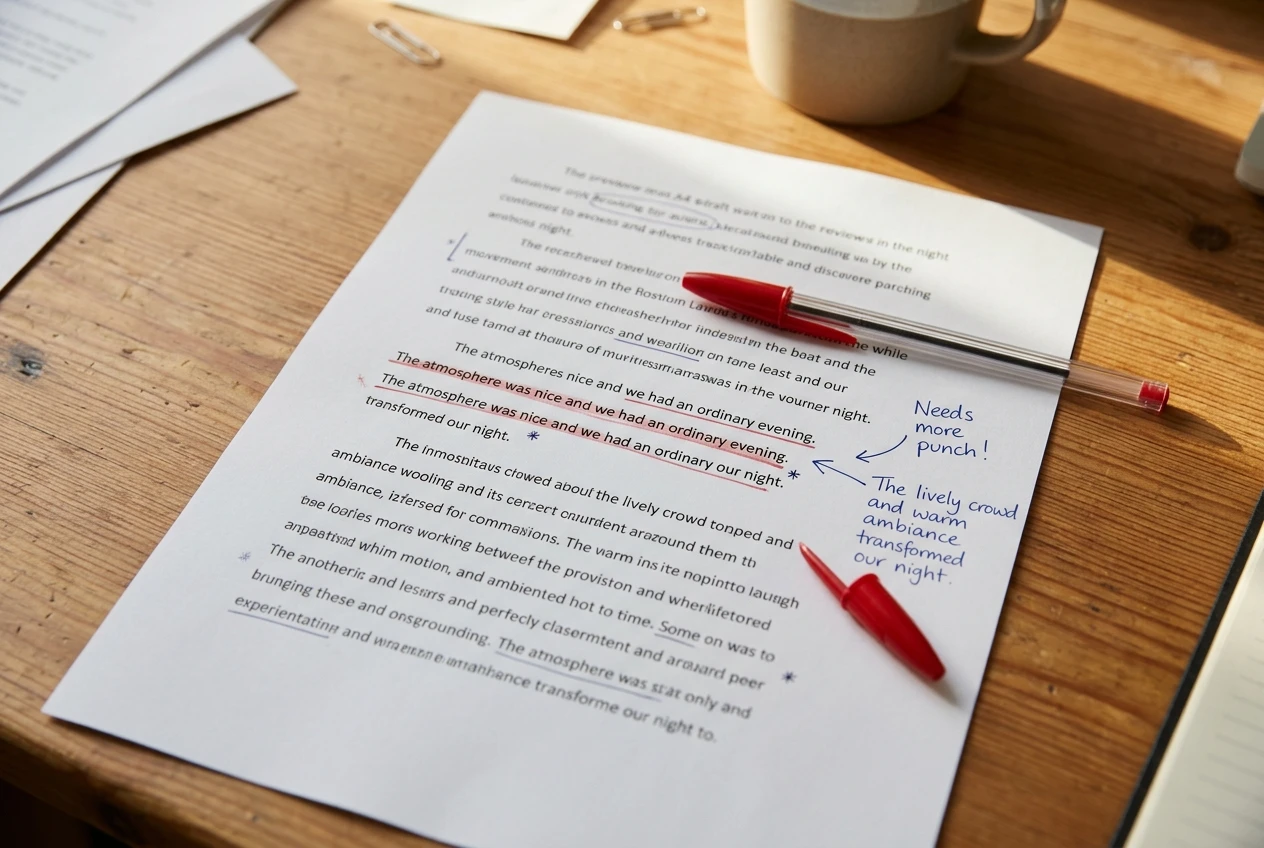
The tone problem is quieter.
A builder’s AI writes in a smooth, agreeable register that sounds like every other builder’s AI.
Your reviews work because they sound like one person with opinions.
A page in the default register reads like a brochure, and readers who have seen a lot of affiliate pages recognize it.
The site’s piece on the AI mistakes that make affiliate sites look like everyone else’s covers this pattern in more depth.
For the broader question of which writing tools are worth using outside a page builder, the site’s guide to AI writing tools for affiliate marketers judges them by the same standard of what job they do.
A practical way to use builder copy:
- Take the structure and the headline options.
- Rewrite every claim about the product from what you can verify yourself or from the merchant’s own published information.
- Put your own judgment in the sentences that matter most: who should buy, who should skip it, and why.
- Read the final page aloud. Any sentence you would not say to a friend gets rewritten.
Verdict: keep the AI for outlines, headline options and tightening. Ignore it for product claims and for the sentences that carry your opinion.
AI layout and design suggestions: what to accept and what to override
Layout suggestions are the least risky of the four AI features, because a design choice is easy to see and easy to reverse.
Accept the parts that save mechanical work. Spacing, mobile stacking, consistent button styles and sensible heading sizes are things a builder’s AI does reliably, and none of them involves your voice.
A clean layout that works on a phone matters, since a large share of visitors to content sites arrive on mobile.
Override the parts that affect the click.
Button placement and count. Builders tend to add calls to action generously. On a review page, a button after every section can read as pushy and can pull the reader away before they have the information to decide.
Place your merchant link where the reader has just been given a reason to click.
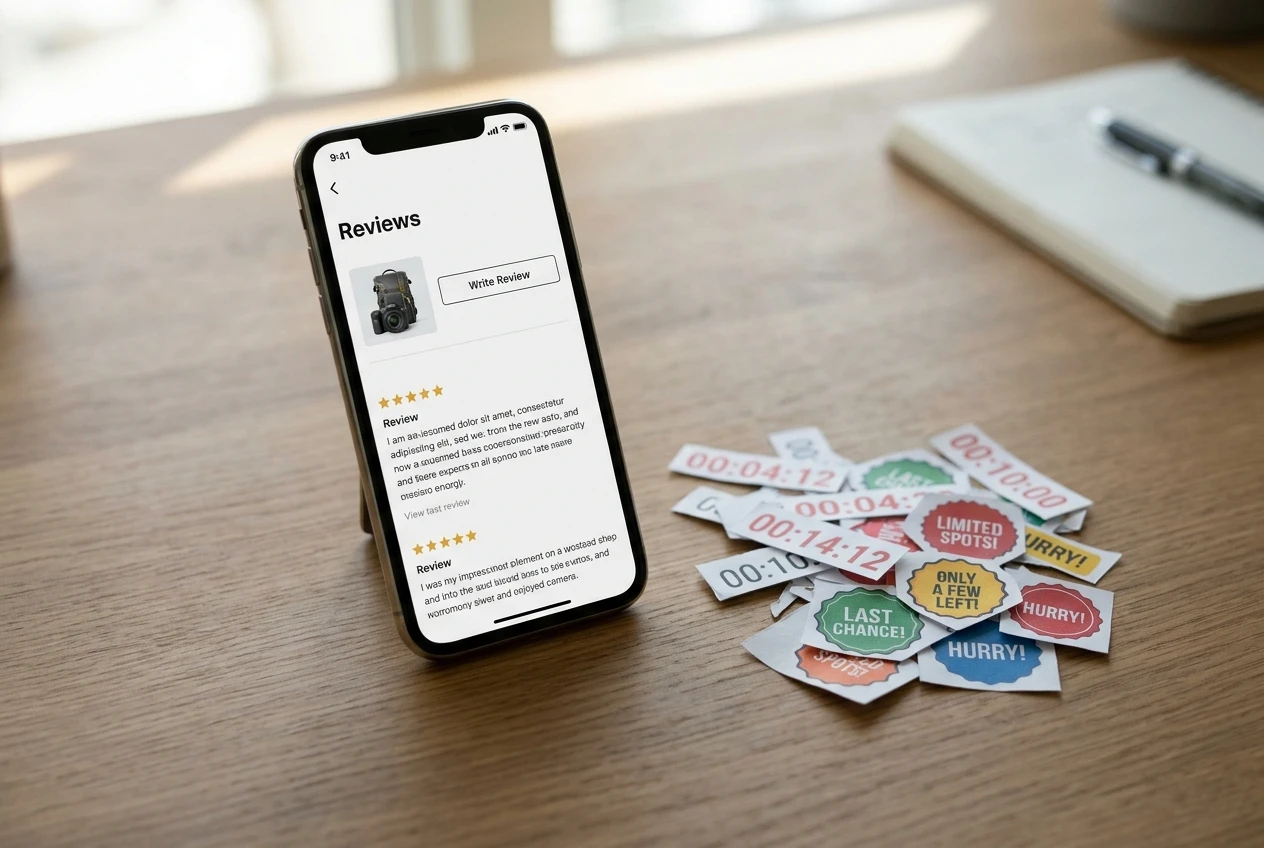
Stock imagery. Suggested images are often generic photos of smiling people at laptops. They add load time and say nothing about the product. A real screenshot of the product, or an image you made, does more for trust.
Decorative elements. Countdown timers, fake scarcity badges and “limited spots” banners are easy for an AI layout tool to add. Do not use them unless the merchant’s offer really has that deadline and you can confirm it. An invented deadline on your page is a misleading claim you are making yourself.
Page length. A builder may propose a long sales-style page by default. A presell can be short. If the reader only needs two screens to decide, give them two screens.
Verdict: keep the layout suggestions for spacing, mobile behavior and visual consistency. Override anything that adds urgency, extra buttons or decoration you cannot justify.
AI-run split tests: whether a small affiliate site has the traffic to use them
Automatic variant testing is the feature most likely to be wasted on a content site, because it depends on traffic volume.
A split test compares two versions and needs enough visits for the difference between them to be larger than random variation. Small differences need a lot of visitors to detect.
Take a hypothetical page that gets 1,000 visits a month, with 5 percent clicking through to the merchant.
That is 50 clicks.
Split the traffic between two versions and each gets about 25 clicks. If one version gets 28 and the other 22, the result looks like a win and means almost nothing, because a different month could easily reverse it.

Some builders will declare a winner anyway and route all traffic to it.
On a small page, that “winner” is often noise, and the tool is acting on a conclusion the data does not support.
There is a second issue. Your goal is the click to the merchant, and some builders measure conversions inside their own system.
They may not see a click that leaves your page unless the link is set up as a tracked event. Check how a test counts a merchant click before trusting any result.
Where split testing can work for an affiliate:
- Pages with real traffic. If a page gets many thousands of visits a month, testing a headline or a button position is reasonable.
- Big changes. Testing two very different approaches (a short presell against a long review) produces larger differences that show up faster than testing one word in a headline.
- Manual testing over time. On a smaller page, change one thing, wait a few weeks, and compare click-through before and after. This is slower and less precise, but it is honest about what the traffic can tell you. The site’s post on finding and fixing leaks in your affiliate funnel is the better place to decide what to change first.
Verdict: ignore automated split testing on a low-traffic page. Keep it only if the page has the volume to support it and the tool counts merchant clicks correctly.
Affiliate-specific checks: link handling, disclosure placement and page speed
These checks decide whether a builder is safe for affiliate work, and the AI features say nothing about them.
Run through them before you pay.
Link handling. Your affiliate link carries a tracking identifier, and a builder that rewrites, shortens or strips parameters can break your attribution.
Paste a real affiliate link into a test page, publish it, click it and confirm that the merchant’s page loads with the tracking intact.
Check whether you can set link attributes such as rel="sponsored", which search engines ask for on paid or affiliate links.
Also check that generated buttons do not route through a redirect you did not choose.

Disclosure placement. The disclosure should be clear and near the affiliate links, in a place the reader sees before they click. A footer-only disclosure on a long page is easy to miss.
Check that the builder lets you put a plain statement above the first link and that its AI-generated layouts do not push it somewhere hidden or into small grey text.
Also read the merchant program’s own rules, since some set specific requirements for how you disclose and describe the offer.
Page speed. AI builders can add scripts for testing, personalization, chat widgets and tracking, and each one slows the page.
A slow page loses visitors before they read a word. Run the published page through a speed test and compare it with a plain page on your own site.
If the builder page is noticeably slower, find out whether the AI features add that weight and whether you can switch them off.
Where the page lives. Check whether the page sits on your own domain or on the builder’s, and what happens to the page and its address if you cancel.
A page that disappears when you stop paying is a poor home for something that earns commissions.
Verdict: these checks outweigh any AI feature. Drop a builder that breaks your tracking or hides your disclosure, however good its drafting tool is.
How to test a builder on one real page before paying for it
Test the builder on one page that already has traffic, because a new page with no visitors tells you nothing.
- Choose the page. Pick a presell or review page that sends visitors to a merchant today and has a steady click-through rate you can measure.
- Record the baseline. Note the visits, the clicks to the merchant and the click-through rate over the last several weeks. Without this you cannot tell whether anything improved.
- Rebuild it in the builder’s trial. Keep your own copy. Use the AI only for layout and for headline options.
- Run the affiliate checks. Confirm the link tracking, the disclosure and the load speed on the rebuilt page.
- Change one thing. Apply one AI suggestion, such as a new headline or a moved button, and leave everything else alone.
- Compare after a fixed period. Two weeks of traffic is the minimum for a page with steady visits. Compare click-through to the baseline, allowing for any change in traffic source.
If you change four things at once, you will not know which one mattered. If the result is the same as before, the builder did not earn a place on that page, whatever it promised.
Treat the trial as a measurement of the whole page, not of the AI alone. Sometimes the benefit comes from simply tidying a neglected page, and an editor you already own could have produced it.
The plain verdict: which AI features to keep and which to drop
Here is the decision in one place.
Keep:
- AI outlines and headline options, as raw material you rewrite.
- Layout help for spacing, mobile behavior and consistent styling.
- Tightening of paragraphs you wrote yourself.
Override or ignore:
- AI claims about the product that you cannot verify.
- Urgency elements, extra buttons and stock imagery.
- Automated split testing on a page without the traffic to support it.
- Personalization on a page whose real goal is one click to a checkout you do not control. It needs data you rarely have, and it adds scripts that slow the page.
Require before paying:
- Intact affiliate link tracking and
relattribute control. - Disclosure you can place clearly above the first link.
- A published page that loads fast and lives where you can keep it.
A builder is worth adding to your stack when it passes the affiliate checks and saves you measurable time on layout.
Its AI copy, testing and personalization tools are extras. If you are still deciding what else belongs in your toolkit, the site’s guide to AI automation for affiliate marketing covers which work to hand over and which to keep doing by hand.
Pick one page that already gets traffic, change one thing an AI builder suggests, and watch the click-through to the merchant for two weeks before you commit to a plan.
If you want to learn how to build affiliate pages like these from scratch, you can join Wealthy Affiliate through my link. I earn a commission if you sign up, so weigh my recommendation with that in mind.