
Most lists of the best AI writing tools for affiliate marketers rank products by feature count. That tells you little about whether a tool will shorten the work of publishing a good review.
This article sorts tools by the job they do in an affiliate content workflow: briefing, first drafts, editing, checking product details, and repurposing.
Each job gets a plain keep or drop verdict.
It is written for people who already publish review and comparison posts and want to spend less time drafting without making the site sound like every other site.
If you want the basics of what these tools are first, using AI tools for affiliate marketing covers them.
How to judge these tools: one review post, five jobs, one question about time saved
Take one review post and split its production into five jobs:
- Building the brief and outline
- Writing the first draft
- Editing and tightening
- Checking product details
- Repurposing the finished post
A tool can be useful at one of these and a liability at another. Judging it as a whole hides that.
For each job, ask one question: does this save more time than it costs me to fix what it produces?
Count the fixing. A first draft that arrives in two minutes and takes an hour to correct has saved nothing compared with a draft you wrote in ninety minutes and trust.
The tool categories here are general-purpose AI chat assistants, dedicated long-form writing platforms, and editing and grammar tools.
The jobs matter more than brand names, because products change their features often and a verdict tied to a job holds up better than one tied to a version.
One rule applies to every job.
The reader trusts you because of what you know about the product, and no tool can supply that. The verdicts below follow from it.
Tools for briefs and outlines: where AI saves the most time
Briefing is the job where AI tends to pay for itself first. A brief is a structured plan, and language models are good at structure.
Give a general-purpose chat assistant the product name, the reader you are writing for, the question they are asking, and the keyword you are targeting.
Ask for an outline with the headings a buyer would expect.
You get a workable skeleton in a minute or two.
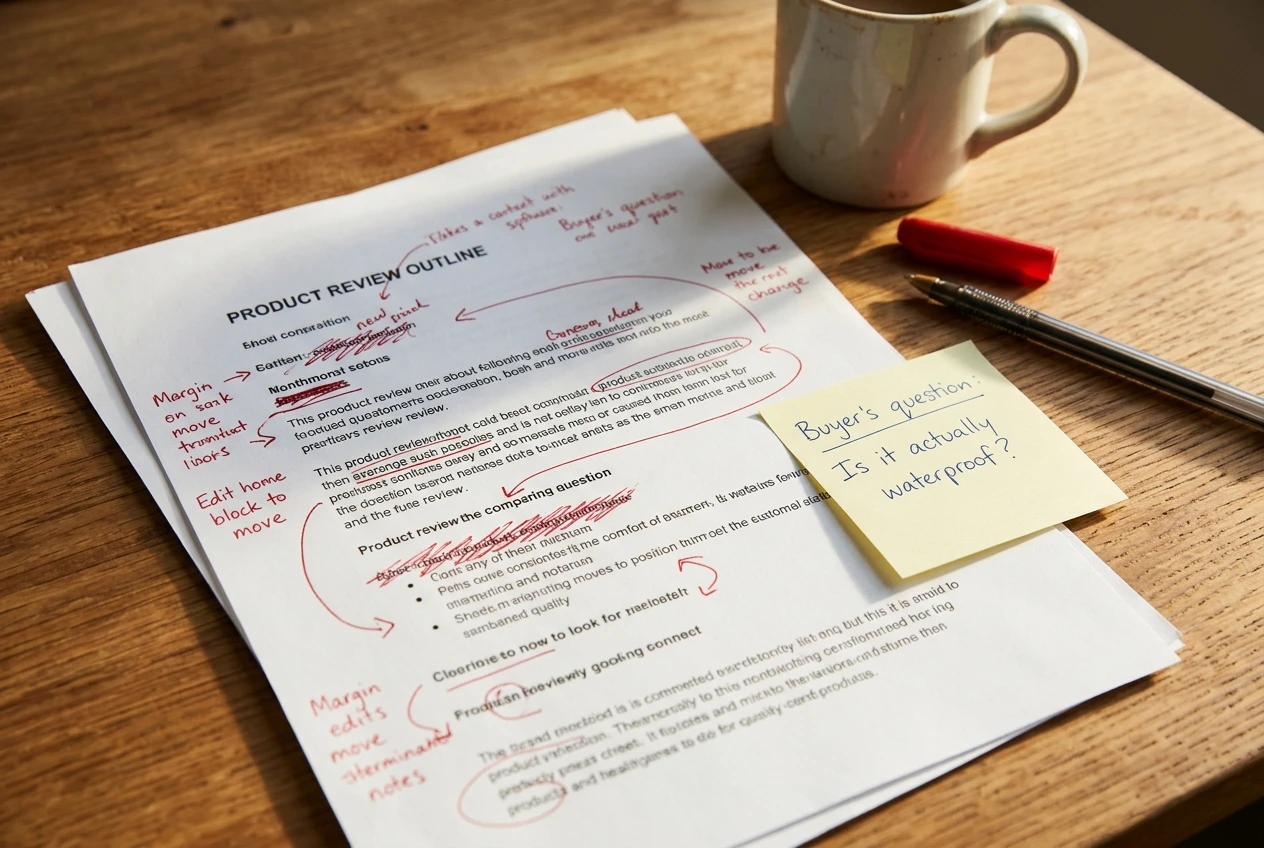
The skeleton is a starting point.
It reflects the typical review post, which means it reflects what every competing page already contains.
Your job is to add the sections the typical post leaves out: the situation where the product is a poor fit, the one comparison your reader actually needs, the question you have seen come up repeatedly.
A few things are worth asking a tool to do at the briefing stage:
- List the questions a first-time buyer would ask before purchasing
- Group those questions into a sensible heading order
- Suggest which sections could be a short list and which need full paragraphs
- Point out where a comparison with a named alternative would help
Keyword choice is a separate job and belongs to a keyword tool, not a writing tool. If you want to see how an AI-assisted keyword tool performs, there is a Jaaxy review with the new AI keyword research that goes through it.
Verdict: keep. Use a general-purpose assistant for outlines and question lists, and edit the outline hard before anything gets written under it.
A dedicated writing platform adds little here that a chat assistant does not already do.
Tools for first drafts: fast, but what do you have to rewrite?
First drafts are where the temptation is strongest and the risk is highest. A tool will produce 1,500 words on any product in under a minute, and the result will read smoothly.
The smoothness is the problem.
Draft text from a language model leans toward the average of everything written on the subject.
It uses the same transitions, the same balanced pros and cons, and the same confident conclusions. Readers who have seen several of these pages recognize the pattern quickly.
What you end up rewriting is usually the same list of things:
- The opening, which tends to be a generic statement about how many options exist
- Any claim about how the product performs, which the tool has no way of knowing
- The pros and cons, which tend to be symmetrical and vague
- The verdict, which hedges where a real recommendation would commit
What survives is mostly connective material: explaining what a feature category means, describing how a typical setup works, laying out a comparison in a logical order.
That is real help, but it is a smaller share of the post than the word count suggests.
A workable method is to write the parts that depend on your knowledge of the product yourself, then ask the tool to draft only the background and explanatory sections around them.
The tool fills in the generic material, and you supply the specific material.
The sameness problem has its own article: the AI mistakes that make affiliate sites look like everyone else’s lists the patterns to watch for.

Verdict: keep with limits. Use AI for background sections and rough structure. Drop it as the writer of the opinion, the experience, and the recommendation. If a draft needs more than half its sentences replaced, the tool cost you time on that post.
Tools for editing and tightening: the quiet winners
Editing is the job where AI help is easiest to judge, because you start with your own text. The words, opinions, and facts are yours, and the tool only adjusts them.
Two kinds of tool do this.
Grammar and style checkers flag errors, long sentences, and repeated words.
General-purpose assistants can be asked to shorten a paragraph, point out where a section repeats itself, or read a post as a first-time buyer and say where it loses them.
The second use is underrated. Paste in a finished review and ask where a reader might still have a question after reading it.
The answers are often useful, because the model is reading the page the way a newcomer does.
Give editing instructions that protect your voice:
- Ask for suggestions and comments, not a rewritten version
- Tell the tool to leave product names, numbers, and quoted details unchanged
- Ask it to mark sentences that sound generic instead of replacing them
- Accept changes one at a time
The last point matters. If you accept a full rewrite, you have turned an editing job into a drafting job, and the sameness problem returns.
Verdict: keep. This is the lowest-risk use of AI in the workflow. Choose a grammar checker for mechanical errors and a chat assistant for structural feedback.
If you have to pick one job to start with, start here.
Checking product details: why no AI writing tool can be trusted on facts
This is the one job where the verdict is a firm drop, at least for using the tool as the source of truth.
A language model generates text that sounds right.
It does not look a product up.
Ask it for the features of a software plan, the specifications of a gadget, or the terms of an affiliate program, and it may give you a confident answer that is out of date or invented.
It will often not signal which parts it is unsure about.

For an affiliate site this matters more than for most.
A wrong price, a missing limitation, or a feature the product does not have misleads a buyer who is about to spend money on your recommendation.
It can also create problems with the merchant or the program you are promoting.
Check details against primary sources:
- The product’s own pricing and features page
- The official documentation or help pages
- The terms of the affiliate program, read directly
- Your own hands-on use of the product, if you have it
Some AI tools can search the web and cite sources.
That is better than a model answering from memory, but the cited page still has to be opened and read.
A citation that exists is not proof that the page says what the summary claims.
A sensible practice is to mark every number, plan name, and feature claim in a draft, then confirm each one against the source before publishing.
If you cannot confirm a claim, remove it. This is slower than trusting the tool, and it is the work that makes your page worth reading.
Verdict: drop as a fact source. Use AI to turn verified notes into readable sentences, and never as the place where the notes come from.
Tools for repurposing a post into emails and social posts
Repurposing works well because the hard thinking is already done. You have a finished, checked post, and you want shorter versions for other places.
Give the tool the finished article and ask for a short email teaser, a few social post angles, or a summary of the key recommendation.
The facts come from your page, so the risk of invented details is low. The tool is compressing text you have already verified.
Two things still need your attention.
First, tone: social posts and emails produced by a model tend toward exclamation marks, urgency, and hype.
Rewrite those so they sound like the rest of your site. Second, disclosure and claims: a short social post can drop context that makes a recommendation honest.
Make sure any affiliate relationship is still clear, in line with your affiliate disclosure page, and that a compressed claim has not become stronger than the one in the article.
Ask for several versions and pick the closest to your voice, then edit it. Do not schedule model output unread.
Verdict: keep. This job suits AI well, provided the source post is checked first and the output is edited for tone and disclosure.

The short list I would keep, and what I would drop
Here is the list by job.
Keep:
- A general-purpose chat assistant for outlines, reader question lists, and feedback on a finished draft
- A grammar and style checker for mechanical editing
- Any capable assistant for repurposing a checked post into emails and social posts, with a manual tone edit
- AI for background and explanatory sections inside a first draft, in small amounts
Drop:
- AI as the writer of your opinion, experience, and verdict
- AI as a source for prices, features, specifications, or program terms
- Full-rewrite buttons that replace your sentences instead of suggesting changes
- Any tool you are paying for that duplicates a job another tool already does adequately
That produces a small toolset: one assistant, one checker, and a habit of verifying details by hand.
A dedicated long-form writing platform has to show it beats that setup on your own posts before it earns a place and a monthly cost.
How to test a new tool on your own site before paying for it
Before you pay for a tool, run it on a real post and measure the result. Marketing pages show the best case, and your site is the case that matters.
Use this process:
- Pick one job, not the whole workflow.
- Choose a review you are about to write anyway, so the test costs no extra work.
- Note how long that job normally takes you.
- Run the job through the tool and time it, including the time you spend correcting its output.
- Read the result next to your previous posts and ask whether a regular reader would notice a change in voice.
- Check every factual claim against its source.
Compare the two timings. If the tool is faster after corrections and the post still sounds like you, it earns a place.
If you spent as long fixing as you would have writing, drop it, whatever the feature list says.
Use the free plan or trial for this where one exists, and repeat the test on a second post before you decide.
One good result can be luck, and two is a pattern.
Pick one job from the keep list, run your next review draft through that tool, and then read which parts of your affiliate business to automate with AI and which to keep by hand.